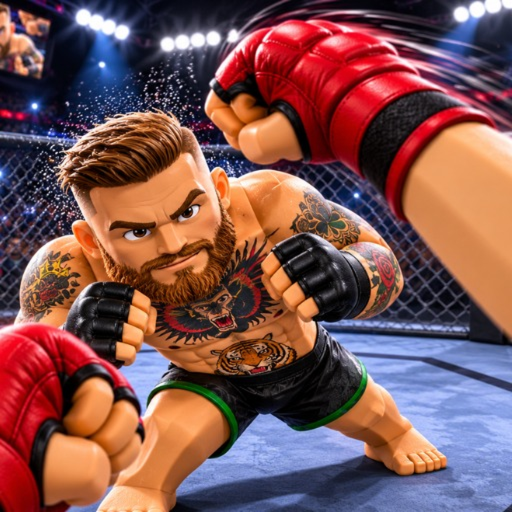
Developer Ultimate Champion has not published a static external keybinds table. Some online guides mistakenly copy controls from MattValidd's game. To stay strictly accurate, we list the 4 attack types confirmed in the official listing, along with guidance on verifying your active controls in-game.
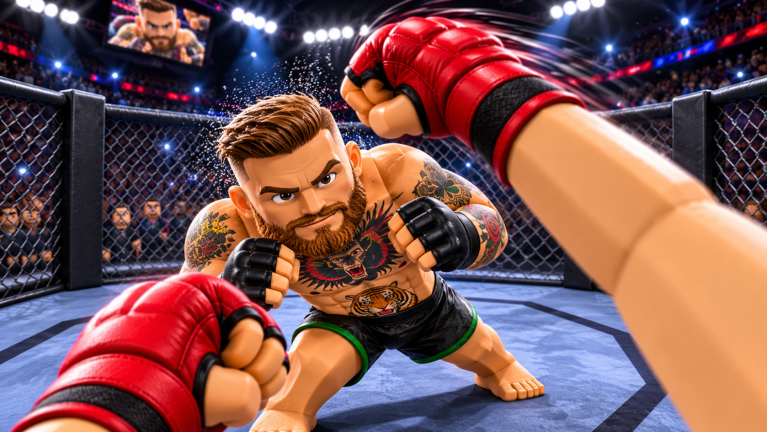
OFFICIAL ATTACK TYPES (CONFIRMED IN GAME DESCRIPTION)
Punches
LISTED IN DESCRIPTIONHand strikes confirmed in the developer description as part of the physics combat system.
Kicks
LISTED IN DESCRIPTIONLeg strikes confirmed in the developer description as part of the physics combat system.
Throws
LISTED IN DESCRIPTIONGrappling throws confirmed in the developer description that bring fighters down to the canvas.
Flying Knees
LISTED IN DESCRIPTIONJumping knee strikes confirmed in the developer description as a high-impact offensive option.
HOW TO VERIFY YOUR ACTIVE CONTROLS
Because Roblox physics brawlers receive live patches that may update key assignments, inspect the on-screen input prompts or settings menu immediately upon entering Place ID 124780003623150. This displays the active key bindings configured for your current client version.
WHERE TO LOOK: HUD PROMPTS BY DEVICE
PRACTICAL STEP-BY-STEPLook at the lower-left corner upon loading. If mouse clicks fail to trigger punches, click into the center viewport to ensure Roblox window focus is restored from chat.
Virtual movement stick anchors bottom-left; action strike buttons appear bottom-right. Adjust UI Scale under Settings > Graphics if buttons clip off-screen.
Triggers and face buttons correspond to Roblox default fighting mappings. In-game button tooltips display beneath the character health display.
LOBBY DRILL: 4 ATTACKS IN-GAME VERIFICATION CHECKLIST
Test directional arm extension standing 2 body-lengths away from opponents.
Observe balance recovery delay after whiffing a kick before attempting another strike.
Close distance into chest-to-chest contact to test physics collision throw triggers.
Trigger jump-forward momentum; observe the vulnerability recovery window on landing.